NextJS Performance Optimization: Build Lightning-Fast Web Apps
Speed isn’t optional anymore, and users expect instant digital experiences. One slow second can cost conversions, SEO ranking, and customer trust. In this blog, we break down NextJS performance optimization strategies that help you build fast, scalable, and revenue-driving applications. From rendering strategy to caching, image optimization, and bundle control. Discover practical ways to make your NextJS app lightning-fast.


Summarise with AI


Just think waking up with 80+ customer complaints overnight.
This is what really happened to a SaaS founder who decided to select NextJS and thought it would be faster.
But as the 15,000 active users grew, everything broke down: slow page loads, failed sessions, a 73% bounce rate, and fast declining sales. The team was in a stressful situation.
The real problem? Not NextJS, but it was poor optimisation.
After we changed their performance strategy, there was smarter caching, reducing JavaScript payloads, server tuning, and optimised images; conversions grew up to 41%.
Ready to turn your NextJS app into a fast, scalable growth engine? Let’s dive into the most powerful NextJS Performance Optimisation techniques.
Table of Contents
Why NextJS Performance Optimization Matters
With a fast-changing digital global landscape, users now expect faster response time, better experience, and lag-free scrolling in the app while scrolling. Performance directly changes user perception, customer trust, and conversion rates.
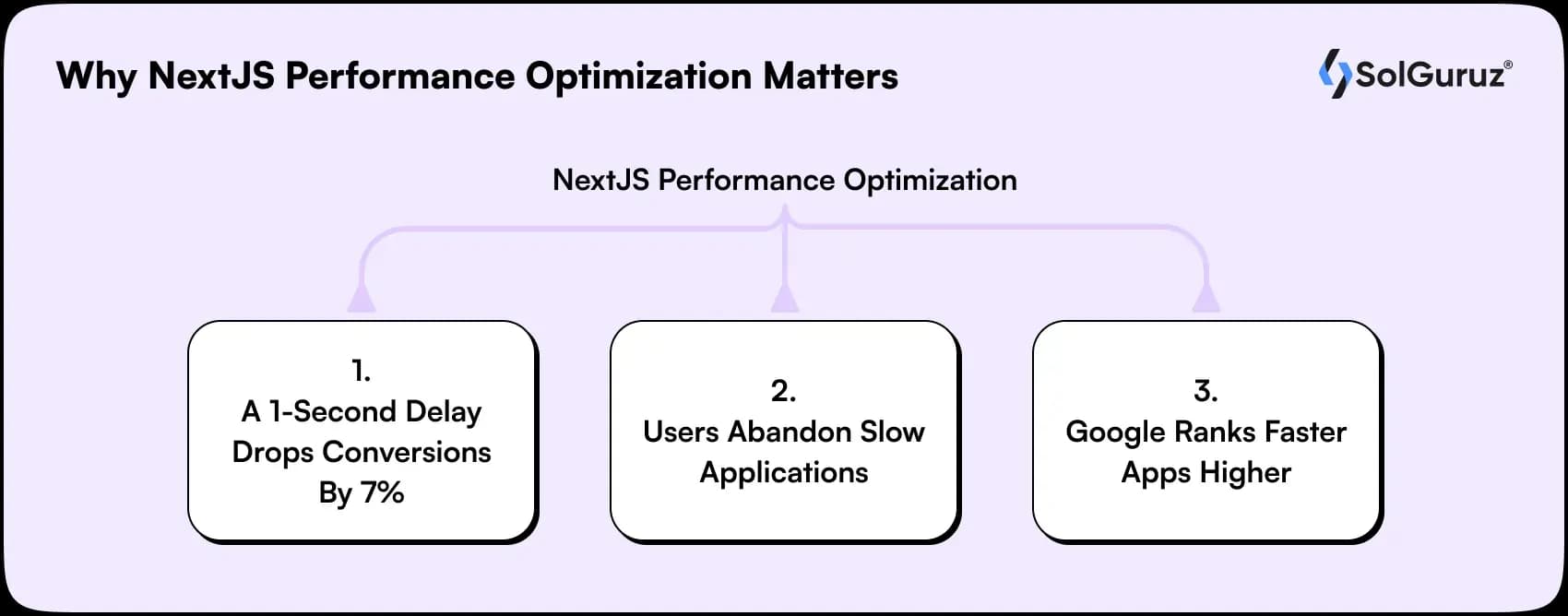
1. A 1-second delay drops conversions by 7%
Users demand faster response rates; even if your app is slow by one second, it will affect the customer’s purchasing decision right away.
Slow performance usually reduces trust and demotivates users from finishing the purchase.
2. Users abandon slow applications
If your application is slower, users will not wait and will leave right away. More than half of the users leave the page when it takes more time to load.
With the help of performance optimisation, it reduces bounce rates, keeps users engaged for a longer time, and supports retention.
3. Google ranks faster apps higher
Google gives priority to those NextJS apps that are faster and provide a better user experience to users.
Speed is an important factor in SEO. Faster loading NextJS apps get better visibility, core web vitals scores, and good organic traffic.
NextJS: Features That Drive Performance and Flexibility
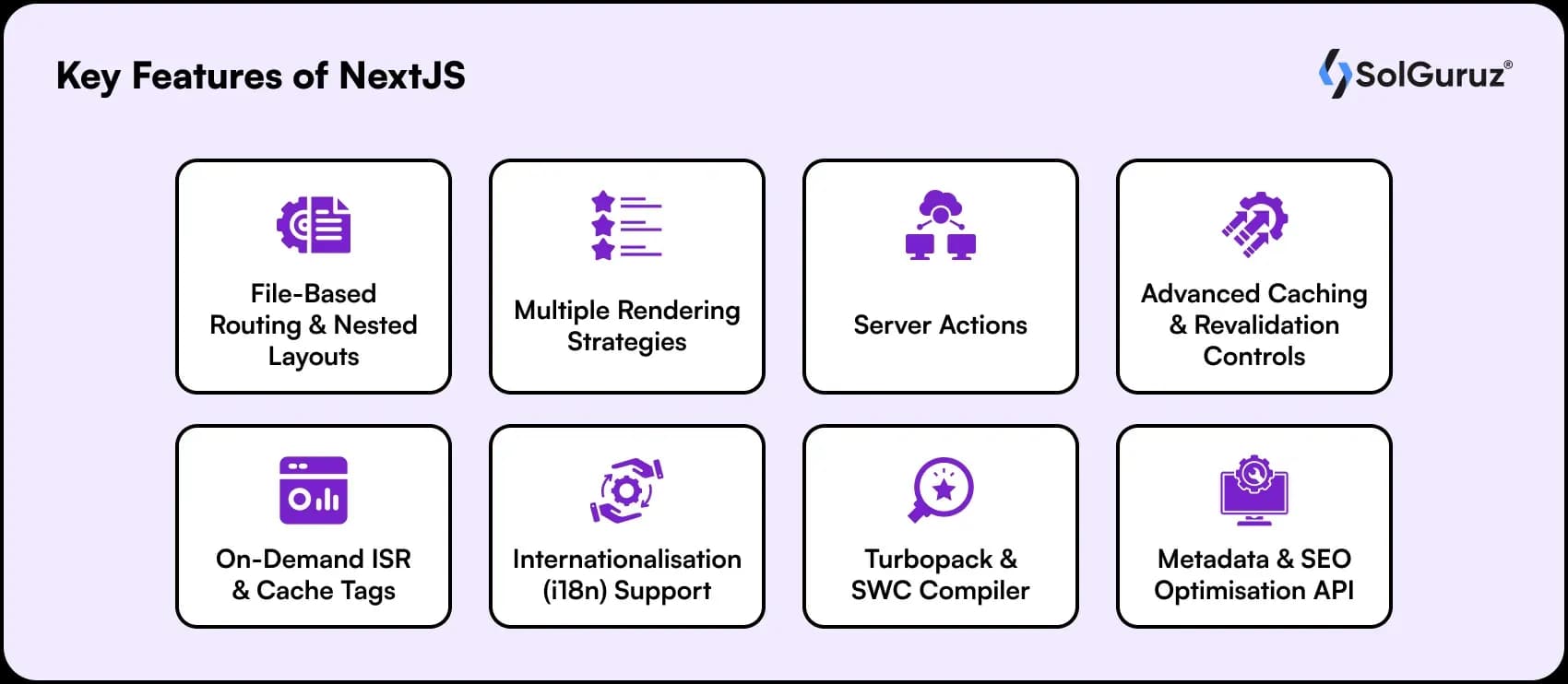
Why do you think NextJS is the go-to framework for building fast, scalable, and web applications? Here are some of the important features to look for;
1. File-Based Routing & Nested Layouts
NextJS automatically maps files in the app or pages folder to routes, making navigation setup fast and simple. Nested layouts enable frequent UI structure across pages and smooth page transitions.
2. Multiple Rendering Strategies (SSG / SSR / ISR / RSC)
Different types of rendering methods are available through NextJS, and you can choose how and when a page is generated, balancing speed and dynamic content.
By using the correct strategy, it decreases slow Time-To-First-Byte (TTFB) and keeps apps fast even under heavy load. ISR and On-Demand Revalidation allow near real-time updates without rebuilding the whole app.
For example- Use SSG for static pages like blogs, SSR for dashboards with user-specific data, and more.
3. Server Actions
You don’t need client-side API calls to run form submissions and data mutations on the server, because of server actions.
It minimises JavaScript, makes the logic simple, and enhances the speed of interactive flows such as forms or updates.
4. Advanced Caching & Revalidation Controls
NextJS allows you to manage the data, and pages are cached to enhance the speed and minimise the server load.
To optimise performance, you can set automatic refresh times, invalidate specific pages or tags, and serve slightly stale content while new data loads in the background. This makes the speed constant, and you don’t have to build everything again.
5. On-Demand ISR & Cache Tags
NextJS enables you to refresh only the pages that require updates. Using cache tags, target the content that needs to be refreshed. Through this, you get the real-time updates without impacting quality and speed.
6. Internationalisation (i18n) Support
Multiple languages are being supported in NextJS due to its built-in support feature, and pages can be managed accordingly across different regions. This ensures faster, localised experiences for users globally.
7. Turbopack & SWC Compiler
NextJS utilises Turbopack for development and SWC for builds to make compiling and minifying code faster.
This makes the development in speed, hot-reloading, and large-scale app builds. Developers can make changes faster without waiting for slow builds.
8. Metadata & SEO Optimisation API
NextJS delivers with the Metadata API to easily manage page titles, URLs, social tags, and sitemaps.
This enhances SEO and saves time by handling it at the framework level. Manual optimisation for each page is not required, making your app search-friendly effectively.
Types of NextJS Performance Optimization Techniques (With Practical Examples)
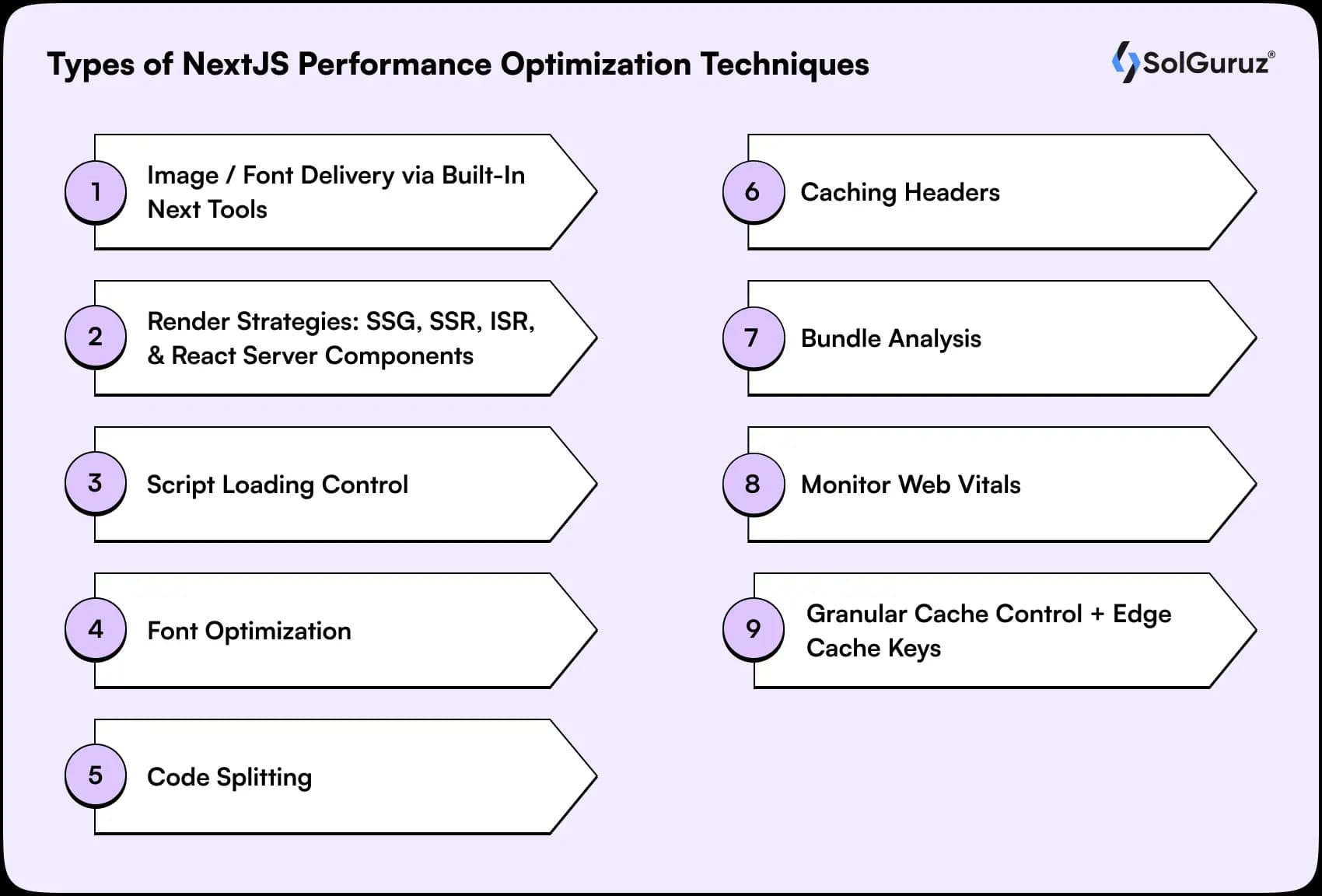
You need to understand several NextJS speed optimisation methods to fix the issues quickly. I will now explain the top-most used NextJS Performance Optimization Techniques:
1. Image / Font Delivery via Built-In Next Tools (Advanced Config)
Images are being properly optimized by NextJS and fonts to make websites faster. It resizes images, transforms them to modern formats like WebP/AVIF, and lazy loads them.
1) Local Image (Responsive):
Local Image means the image is stored inside your project folder instead of an external URL, which enhances the loading security and speed.
Example:
import Image from "next/image";import roseImage from “@/public/roseImage.png”;
export default function HeroImage() {
return ();
}
2) Lazy Loading with Placeholder:
These form of images comes around only when they come into the visible area, reducing the load time.
Example:
import Image from 'next/image.'import picasso from ‘../public/picasso.jpg.’
export default function ArtsGallery() {
return ()
}
2. Render Strategies: SSG, SSR, ISR, and React Server Components
Choose the appropriate rendering method for each page’s content characteristics:
Static Site Generation (SSG) with getStaticProps
The example shown highlights SSG ugin getStaticProps. Though the use of SSG, the page is being generated once, and the final HTML is stored and delivered to the user quickly.
- Specifically for pages where the content is the same for long periods
- For example, blogs, product landing pages, portfolio sites, and more.
- Give advanced-level performance and speed to load
Example:
jsx
export async function getStaticProps() {
const data = await fetch(‘https://api.example.com/data’)
.then((res) => res.json())
return {
props: { data },
revalidate: false // Static, never regenerated
}
}
export default function StaticPage({ data }) {
return <div>{data}</div>
}
Incremental Static Regeneration (ISR)
This example reflects Incremental Static Regeneration (ISR) using getStaticProps with a revalidate value.
Like SSG, the page is generated statically for faster performance, but ISR goes ahead by regenerating the page automatically in the background every set interval, in this case, every 20 seconds.
- Best for data that updates periodically, not every second, so full server rendering isn’t required.
- Examples include news feeds, real-estate listings, and product catalogs, where information updates occasionally.
- Users always see fast-loading static pages while new versions are regenerated safely in the background.
- There is no need to redeploy the complete site every time content changes; only the specific page is refreshed based on.
Example:
jsx
export async function getStaticProps() {
const data = await fetchData()
return {
props: { data },
revalidate: 20 // Regenerate every 20 seconds
}
}
function MyPage({ data }) {
return (
<div>
<h1>My Page</h1>
<p>{data}</p>
</div>
)
}
export default MyPage
Server-Side Rendering (SSR) with getServerSideProps
Aims to generate of webpage on every request, not only at build time but on every request. User visits the page, the server gets the latest data, renders the HTML, and then delivers it to the browser. It is used when;
- When the page needs the second or fast-changing data.
- Good for user-specific or authenticated content, like dashboards, where data is based on who is logging in.
- Fits live or real-time scenarios; stock prices, sports scores, and more.
Example:
jsx
export async function getServerSideProps({ context }) {
const data = await fetch(‘YOUR_API’).then((res) => res.json())
return { props: { data } }
}
function SSRPage({ data }) {
return <div>{data}</div>
}
export default SSRPage
React Server Components (RSC)
In this, components run on the server by default instead of in the browser. They can collect data, do heavy mathematical tasks, and render HTML without sending extra JavaScript to the client, making pages faster.
Opted when;
- For larger, dynamic UIs like dashboards and admin panels, where client-side JS can be heavy.
- When you need to eliminate the client-side bundle size.
- Useful for authenticated or user-specific content that still benefits from server-side computation.
Example:
jsx
// app/dashboard/page.jsx – Server Component by default
async function getData() {
const res = await fetch(‘https://api.example.com/data’, {
next: { revalidate: 3600 } // Cache for 1 hour
})
return res.json()
}
export default async function DashboardPage() {
const data = await getData()
return (
<div>
<h1>Dashboard</h1>
<DataDisplay data={data} />
</div>
)
}
3. Script Loading Control
Prevents third-party scripts (analytics, ads) from blocking your page render. Load them smartly after the page shows.
4. Font Optimization
Self-hosts Google fonts (no external requests), shows fallback instantly (font-display: swap), and prevents text jumping.
Example:
Import { Inter } from ‘next/font/google.’
const inter = Inter({ subsets: [‘latin’], weight: ‘400’ })
export default function Layout({ children }) {
return <div className={inter.className}>{children}</div>
}
5. Code Splitting (Lazy Components)
Don’t load heavy charts/maps immediately. Load only when the user scrolls/clicks. Cuts initial JavaScript by 50-70%.
Example:
Import dynamic from ‘next/dynamic.’
const Chart = dynamic(() => import(‘./Chart’), {
loading: () => <p>Loading…</p>,
ssr: false
})
export default function Page() { return <Chart /> }
6. Caching Headers
It tells browsers/CDNs to cache pages/APIs. Same page loads instantly on revisit. Reduces server load by 90%.
Example:
export async function getServerSideProps({ res }) {
res.setHeader(‘Cache-Control’, ‘public, s-maxage=10, stale-while-revalidate=59’)
return { props: {} }
}
7. Bundle Analysis
It especially shows exactly which packages make your app fat. Remove unused code, see 20-50% size drops.
Bash
npm i @next/bundle-analyzer
# Run: ANALYZE=true npm run build
next.config.js
js
const withBundleAnalyzer = require(‘@next/bundle-analyzer’)()
module.exports = withBundleAnalyzer({})
8. Monitor Web Vitals
It usually tracks real user speed (LCP, CLS, INP). Google ranks faster sites higher. Log to console/analytics.
‘use client’
import { useReportWebVitals } from ‘next/web-vitals..s’
export function Metrics() {
useReportWebVitals(metric => console.log(metric.name, metric.value))
return null
}
9. Granular Cache Control + Edge Cache Keys
NextJS allows you to manage caching for every page to keep it fast and efficient. You can also manage how long your content needs to be strong, serve slightly stale data while updating in the background, and define custom cache keys for better accuracy. This ensures faster load times.
For a product page, use:
Cache-Control: public, max-age=60, stale-while-revalidate=300
How to Choose the Right NextJS Optimization Techniques
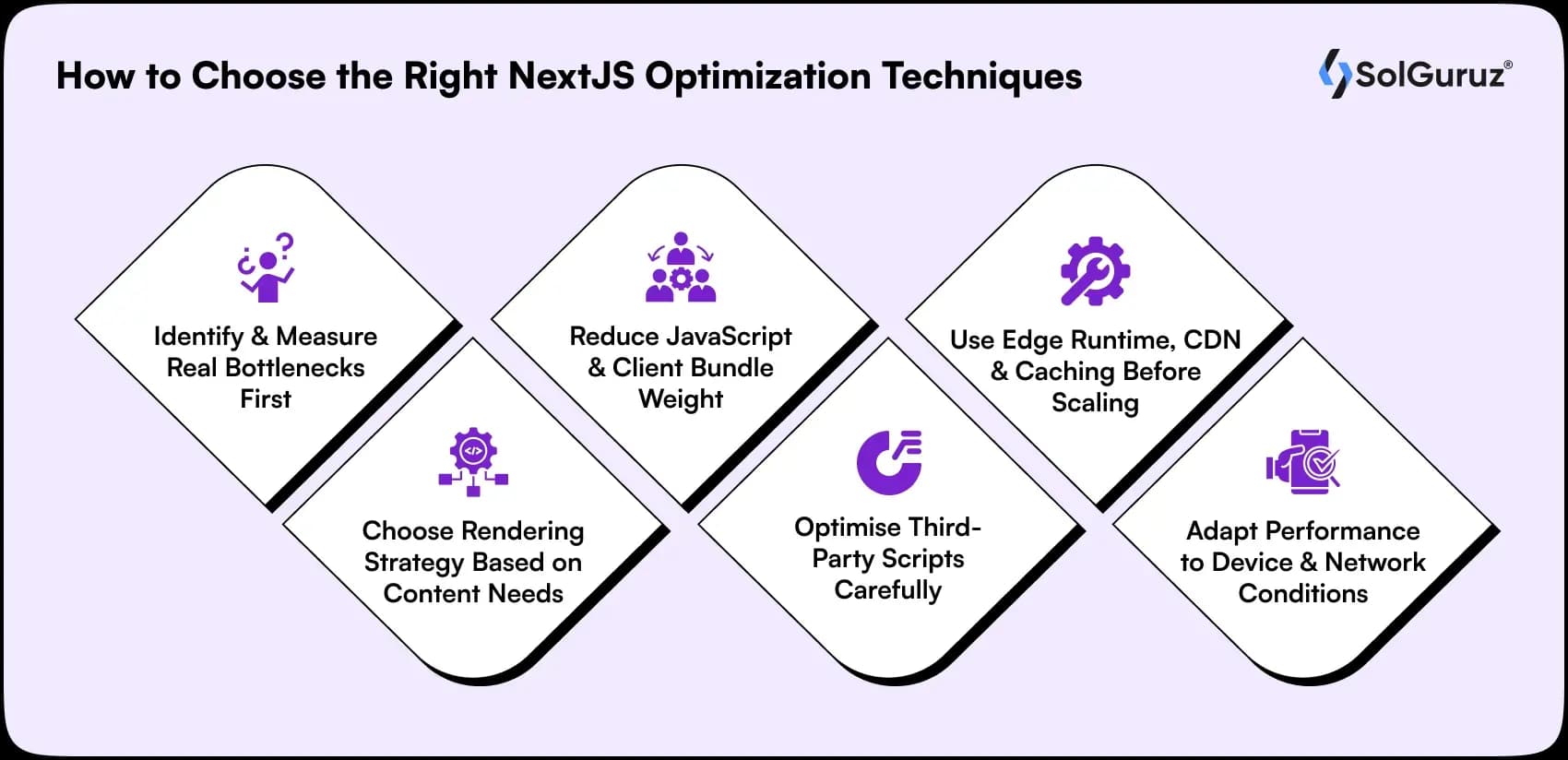
Many developers struggle to decide which optimization techniques to use. Here are some of the steps to consider:
1. Identify & Measure Real Bottlenecks First
If you want to see why your app is slow, make sure to use profiling tools to find out. Avoid fixing randomly so that it saves you cost and time.
Vercel analytics, bundle analysis, and web vitals show actual issues.
2. Choose Rendering Strategy Based on Content Needs
For high-speed rendering, use different rendering modes for different page types. For updates and personalisation requirements, compare RSC, ISR, and SSG.
Static pages load more quickly, whereas dynamic pages require SSR.
3. Reduce JavaScript & Client Bundle Weight
If you are utilizing a big set of bundles, it improves the load time and slows down the performance.
Initiate by removing unnecessary dependencies, applying dynamic imports, and shifting logic to React Server Components.
4. Optimise Third-Party Scripts Carefully
The page is frequently slowed down more by other services than by your own code, like analytics, adverts, and trackers.
Use defer or async loading strategies to load non-critical scripts following page interaction.
5. Use Edge Runtime, CDN & Caching Before Scaling
Scaling servers by itself won’t address expensive infrastructure or poor global performance.
For revalidation, use ISR, cache heavily, and move computation to edge functions that are nearer to users. This speeds up the reaction times and reduces the round-trip latency.
6. Adapt Performance to Device & Network Conditions
Users’ experiences with the internet vary depending on their location and device capabilities.
Serve different bundles for slow networks and postpone using large resources on low-power devices.
User-adaptive delivery significantly improves performance in the real world.
These practical tips help you make smart, impactful optimisation decisions, especially valuable when you hire NextJS developers aiming to deliver high-performance applications.
Quick Decision Guide:
| If the problem is | Optimize using |
| Slow first load | Rendering strategy + JS reduction |
| Poor Core Web Vitals | Image optimisation + RSC |
| Slow interaction | Bundle optimisation + memoisation |
| Global latency | CDN + Edge Runtime |
| Page delays due to scripts | Lazy load + async strategies |
Remember: Performance isn’t magic; it’s a system. Measure, optimise, and improve continuously.
Final Thoughts: Build Faster, Smarter, and Scalable with NextJS
Looking to build faster apps with NextJS?
Firstly, understand that performance optimization is not only about speed in today’s date. Instead, it is about providing users with a great experience and scalable apps.
You can build apps that run 2× faster everywhere, reduce expenses, and increase conversions with the right approach.
Selecting appropriate optimisation strategies based on actual metrics rather than guesswork is the key to success.
At SolGuruz, our technical professionals help clients build high-performance, production-grade NextJS applications through our specialised Next.js development services.
Are you ready to transform your product performance and become part of the top-20% fastest sites? Let’s connect.
FAQS
1. What are the most important metrics to track for NextJS performance?
There are different important metrics to track NextJS performance, such as measuring UX performance, you can use LCP, INP, and CLS, which are also known as core web vitals. These show how fast content loads and how quickly users can engage.
2. When should I use SSG, SSR, ISR, or Server Components in NextJS?
You can use SSG for static content, SSR for personalised changing pages and ISR for periodic updates. Server Components help reduce client-side JavaScript and improve load speed.
3. Why is my NextJS app loading slowly, and how can I fix it?
Here are some of the common reasons why your NextJS app could have been working slowly, such as improper optimized of images/fonts, heavy client elements and more. You can enhance your speed by minimising JS size, using dynamic imports, and removing unnecessary dependencies to enhance level up app speed.
4. How can I optimise images, fonts, and static assets in NextJS?
To optimise images, fonts and assets in NextJS, use next/image with modern formats such as AVIF/WEBP. Use next/font to eliminate layout shifts and deliver fonts efficiently.
5. How do I maintain long-term performance as my NextJS app scales?
You can maintain long-term performance by conducting regular audits and tracking real user core web vitals to prevent regression. Make sure to set performance budgets and monitor bundle sizes.
From Insight to Action
Insights define intent. Execution defines results. Understand how we deliver with structure, collaborate through partnerships, and how our guidebooks help leaders make better product decisions.
 How we Work
Faster NextJS Starts Here
Real performance gains-measured, proven, engineered by SolGuruz.

Strict NDA

Trusted by Startups & Enterprises Worldwide

Flexible Engagement Models

1 Week Risk-Free Trial
Give us a call now!

+1 (724) 577-7737